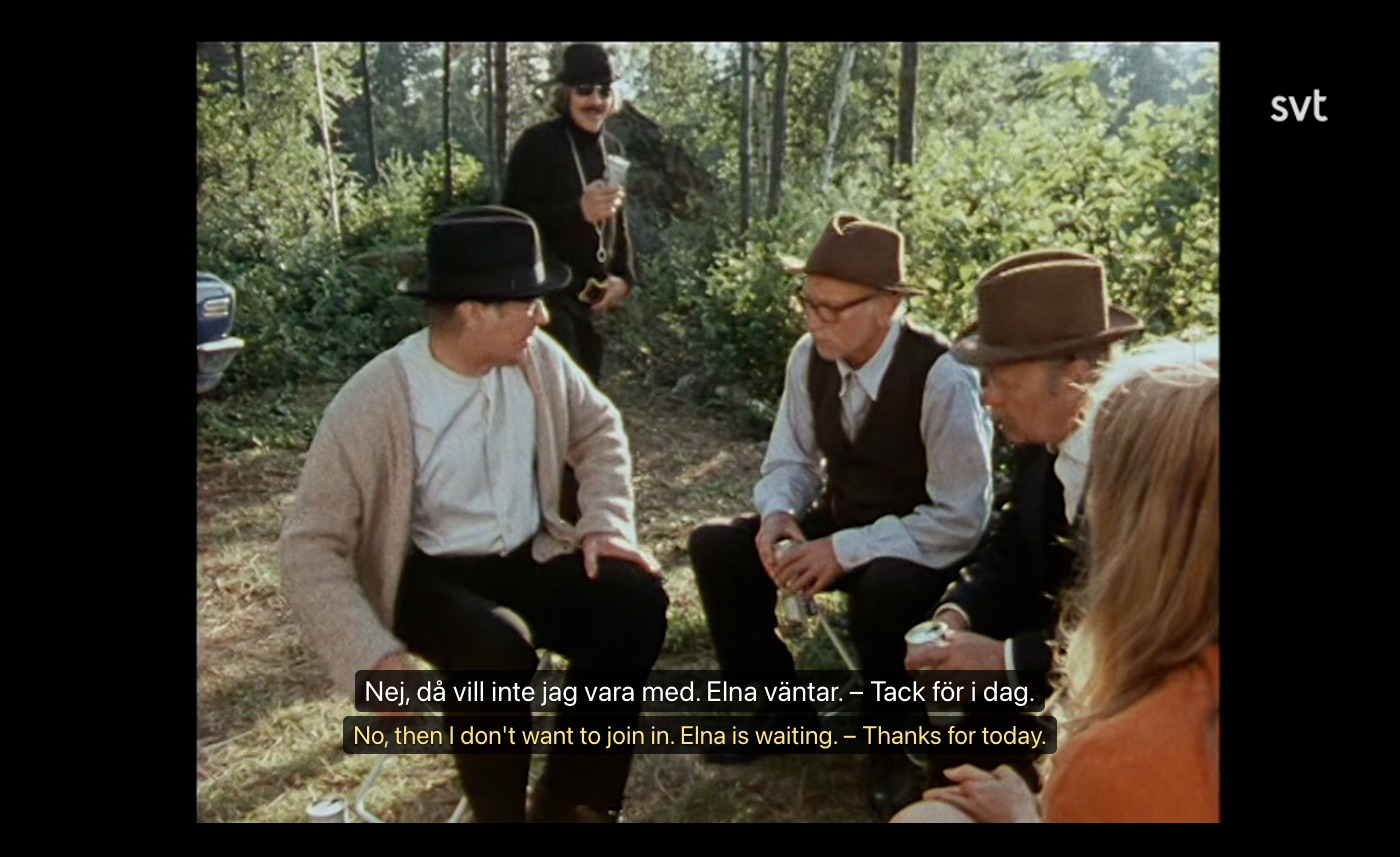
Nordic Dual Subs reads the broadcaster's own subtitles and shows them together with a translation. No copy-pasting, no second screen.
🎬
Two lines, perfectly in sync
The original subtitle and your language, line by line, exactly when it is spoken.
👆
Click any word
Meaning in your language, the base form (sprang → springa) and an English dictionary gloss.
⭐
Save words, export to Anki
Every saved word keeps the sentence and the episode it came from. Export to CSV / Anki.
⌨️
Made for practice
A previous line · S repeat · D next line. Optional pause after every line and blurred translation until you hover.
🔍
Burned-in subtitles too
Foreign films on SVT have subtitles in the picture. The extension reads them on your computer and translates them.
🌍
29 languages
Arabic, Persian, Ukrainian, Chinese, Somali, Tigrinya, Turkish and many more, including right-to-left scripts.
 Nordic Dual Subs